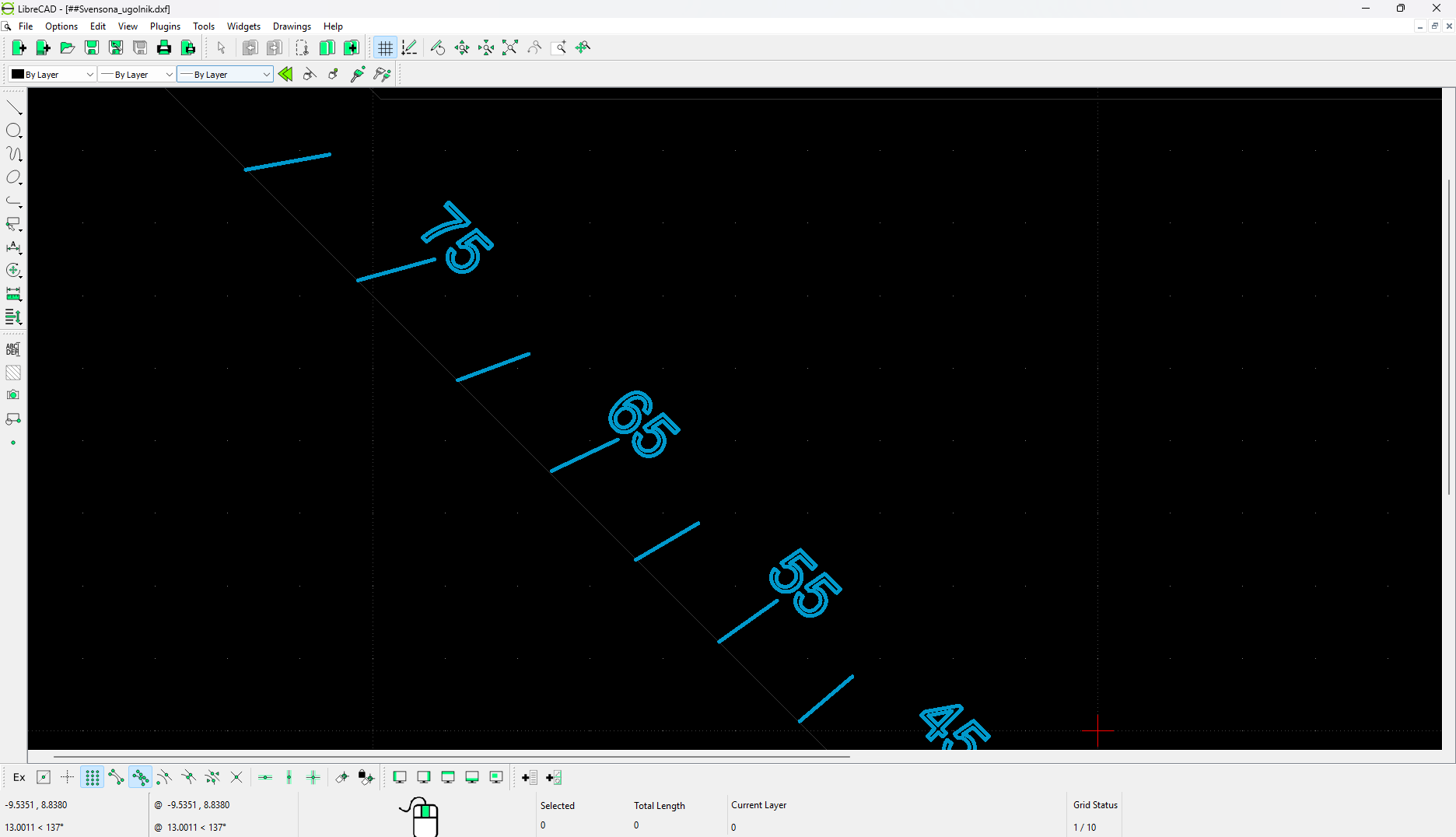
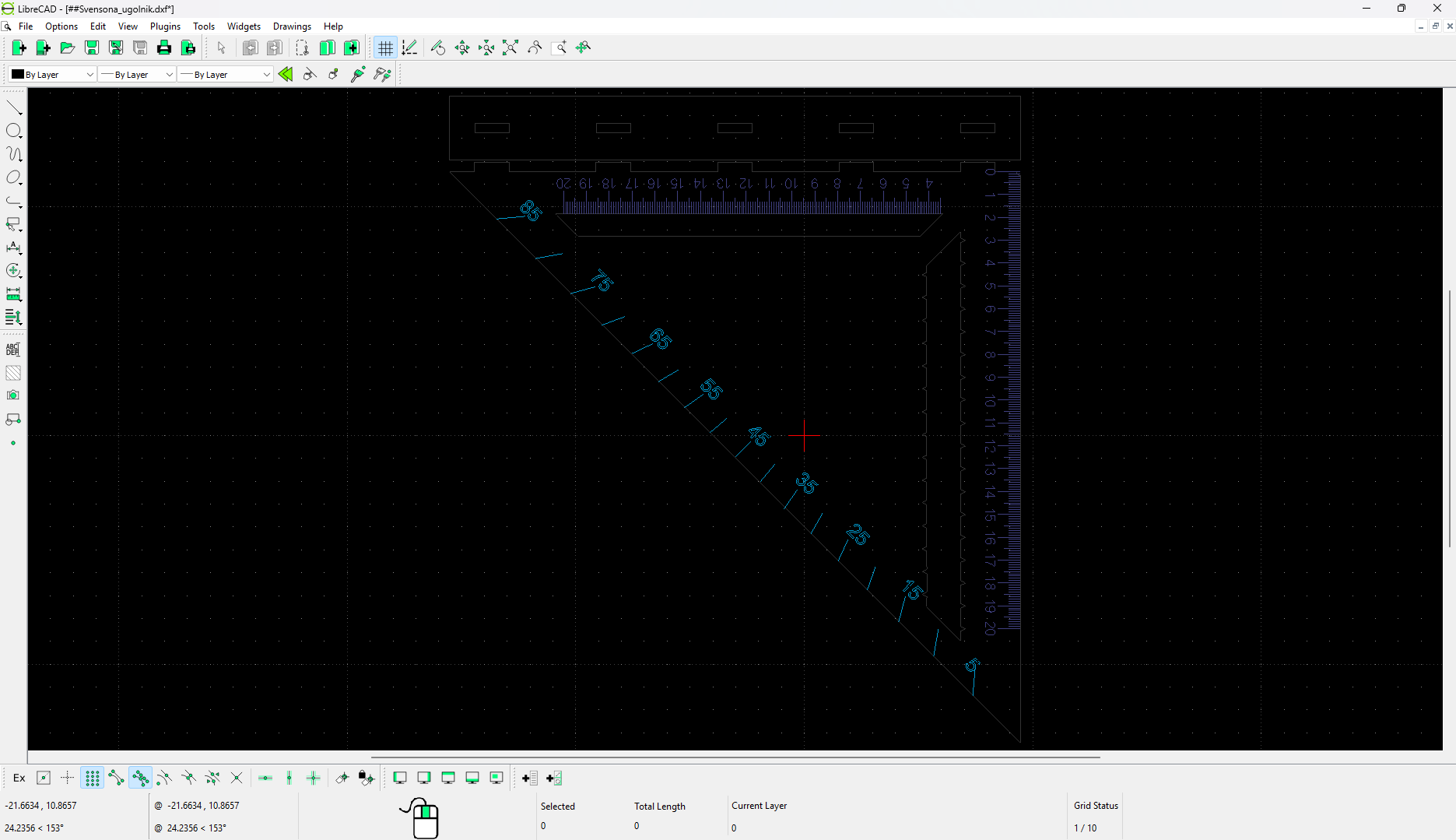
When closing the window using the ‘X’ button in the top-right corner, the program does not close. It can only be closed via the File - Exit menu.
Additionally, the ‘Auto-scale’ mode is not enabled when opening a file for viewing.
Welcome @vadimproggit !
This was earlier reported, where it was an issue with full screen mode.
I think it was on Mac or Linux, where the X just close the current drawing and not the application. This was about how the OS handle full screen mode and did not affect all OS.
Auto-Scale is an option you can switch on/off in Application Preferences.
Anyhow, please provide more information for valuable support.
Always share at least your LibreCAD version and OS.
An example of opening a program…
Screenshots cannot be inserted.
After updating from version v2.2.1.2 to v2.2.1.6, the program would not close; however, it began closing correctly after some changes were made to the program’s settings.
It is not possible to configure automatic scaling when the program is opened.
Випуск Windows 11 Home
Версія 25H2
Дата інсталяції 09.02.2025
Збірка ОС 26200.9711
Особливості Пакет інтерфейсу функцій Windows 1000.26100.372.0
I raised your trust level, upload should work now.